About This Game
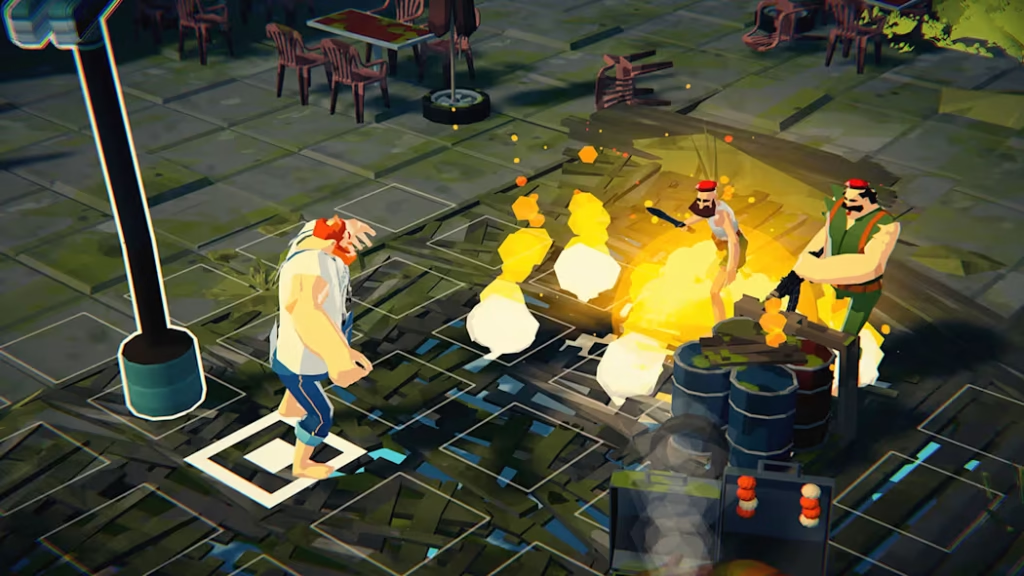
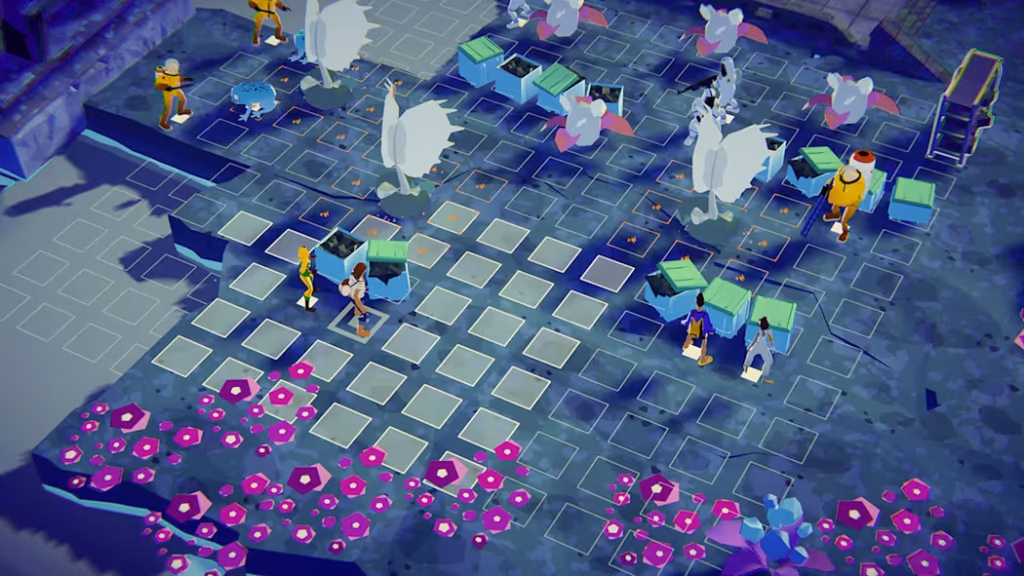
Highwater is a story-driven adventure game set in a flooded world after a climate disaster. You play as Nikos, who travels by boat across islands, meets new friends, and faces different challenges while searching for a better future. During the journey, you solve puzzles, take part in turn-based battles, and interact with the environment to defeat enemies. The story is filled with humor, friendship, and emotional moments as Nikos and his team try to escape to the rich city of Alphaville and hopefully reach a rocket that may take them to Mars
. The game features beautiful 3D graphics, interesting locations to explore, and a relaxing soundtrack played through the in-game Highwater Pirate Radio. With its mix of adventure, puzzle-solving, exploration, and strategic combat, Highwater offers a unique and memorable experience for players who enjoy story-based games.The Boys Escape (Switch eShop)
Game Files information
- Title: Highwater
- Release Date: 2024-03-14
- Category: Action, Adventure, Strategy
- Publisher: Rogue Games
- Type: eShop
- Format: NSP
- Title ID: 0100D1A019EBA000
- Title Size: 701 MB
- Language: Ja, En, Es, Pt, Fr, De, It, Ko, Zh
FAQs
The best way is to install the latest game update whenever it becomes available. Updates fix bugs, improve performance, and sometimes add new content.
2. My NSP game opens the eShop. What should I do?
If your game opens the eShop, it may need an update, DLC, or proper installation. Check that your game and update files match the same game version and region.
3. Why does my game say I need to update to use the eShop?
This message usually appears because the game or system software is outdated. Updating the required software may resolve the issue.
4. How do I update my Nintendo Switch games?
Games can normally be updated by selecting the game, pressing the + button, and choosing Software Update. If you’re using unofficial software or backups, follow the instructions for the tools you’re using instead.
5. What should I do if a game update does not work?
Make sure you installed the correct update for your game version. If the problem continues, reinstall the game and update, then try again.